
To remove a page from your site, follow the steps below:
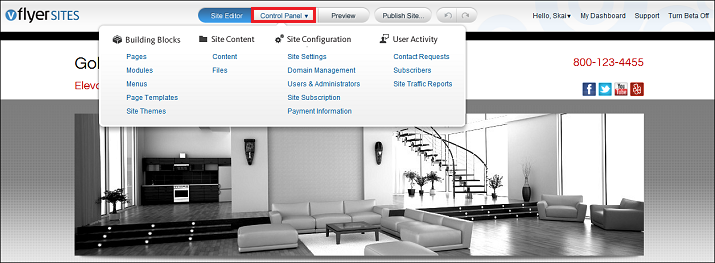
1. Go to the Control Panel by clicking the Control Panel tab.
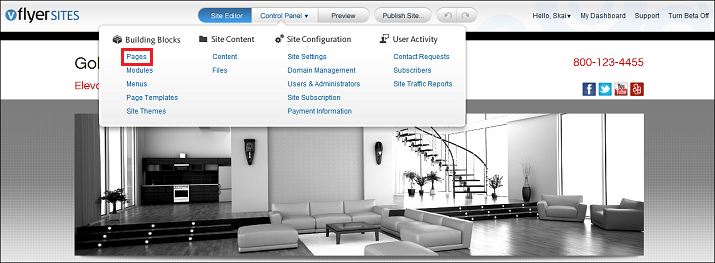
2. Click Pages in the Building Blocks section.
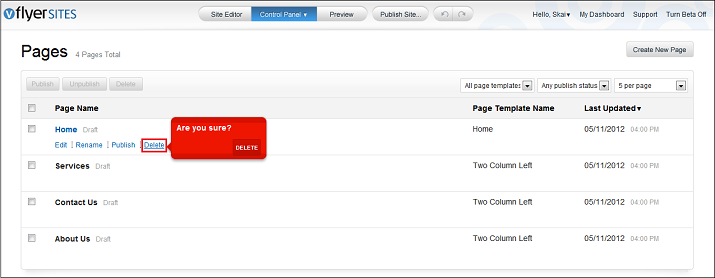
3. On the following page, mouse over the Page Name and click Delete for the page you wish to remove.
To leave a page in your site but remove it from the site menu, follow these steps:
1. In the Control Panel, click Menus in the Building Blocks section.

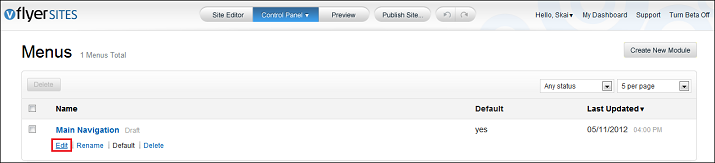
2. On the following page, click Edit.
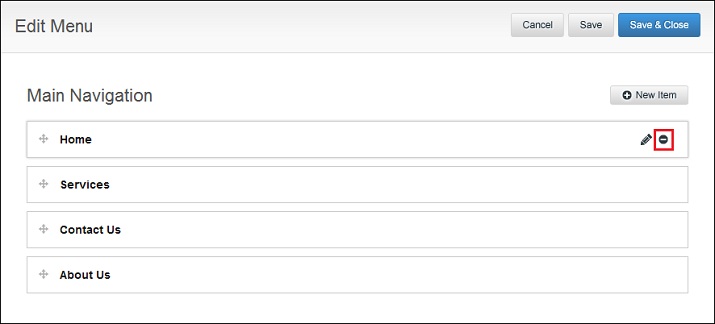
3. Mouse over the Menu item in which you would like to remove and in the editing toolbar on your right click the Minus icon for the menu item you wish to remove.
Other Resources:
0 Comments