
Adding JavaScript widgets and applications to your website is a breeze with the JavaScript Module. JavaScript is great for adding interactive and dynamic content to a site. Webmasters can make their sites more interactive with JavaScript widgets like mortgage calculators, and use JavaScript to display dynamic, changing content like weather forecasts.
To add a JavaScript module:
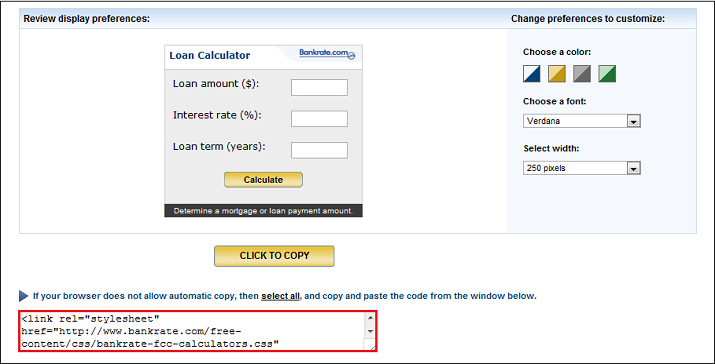
- Determine what kind of widget or application you want and copy the embed or JavaScript code. This is an example of a loan calculator from bankrate.com.
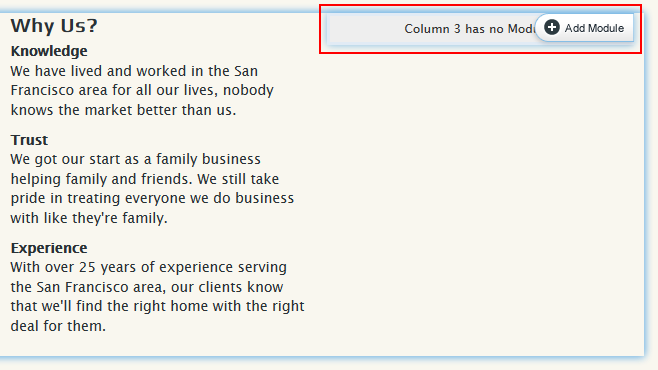
- In a new browser window or tab, log in to vSites and enter the Site Editor. Determine where you would like to place the JavaScript Module on your site. Add a module to that area.
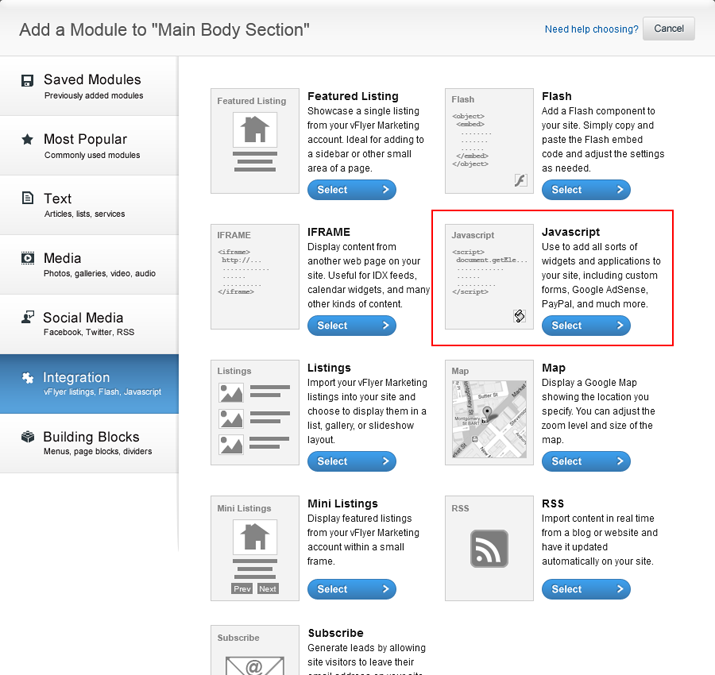
- Then, choose Integration from the tabs on the left and select the Javascript module.
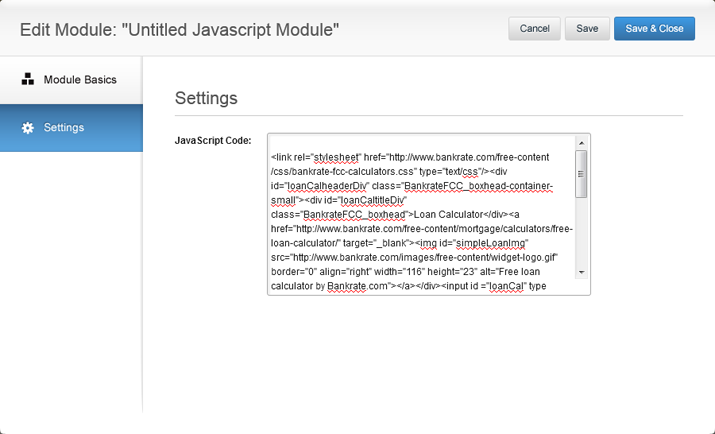
- Paste the code into the field on the Add Module screen. When you are done, click Save & Add to Site.
- Your JavaScript widget will now appear on your site!

0 Comments