
Its easy to embed Flash content (like vMarketing widgets) into your site using a Flash Module.
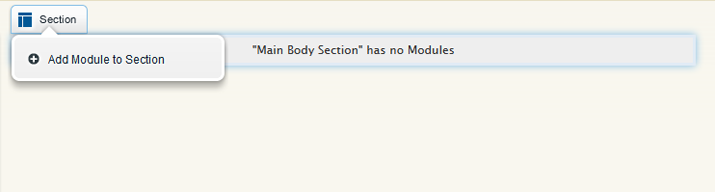
- To get started, add a module by mousing over the space you would like to add the module to. Then, click Add Module to Section.
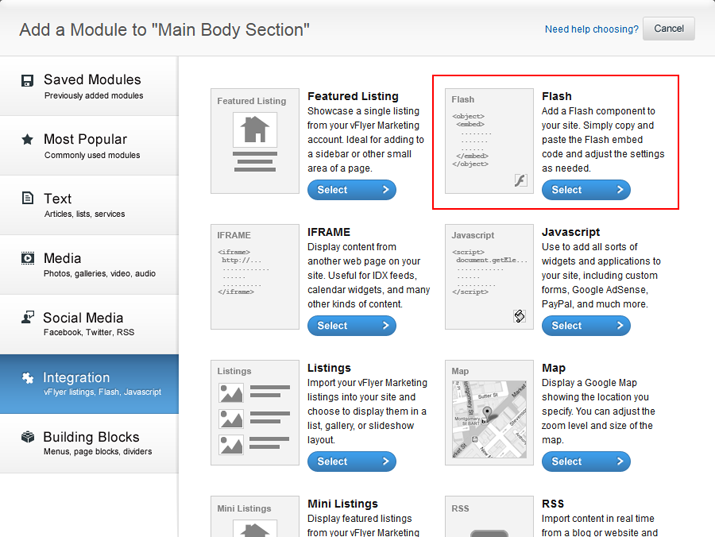
- Then, choose Integration from the tabs on the left and select the Flash module.
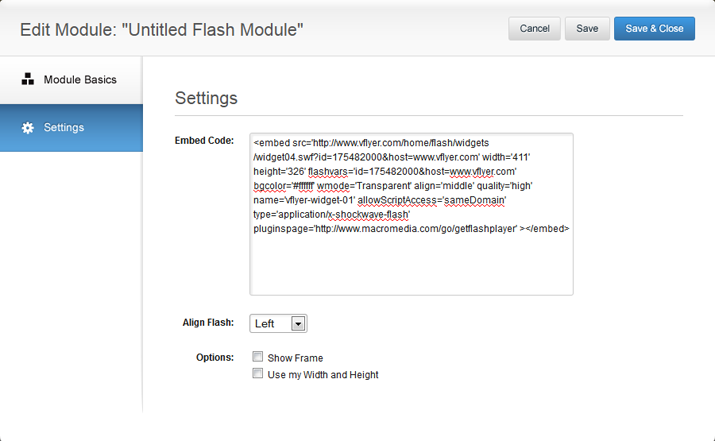
- Next, copy your Flash embed coding from your source. Then, paste the embed coding into the Embed Code box. Customize the appearance of the Flash module by choosing different appearance options. Make sure to name your module before adding it to your site.
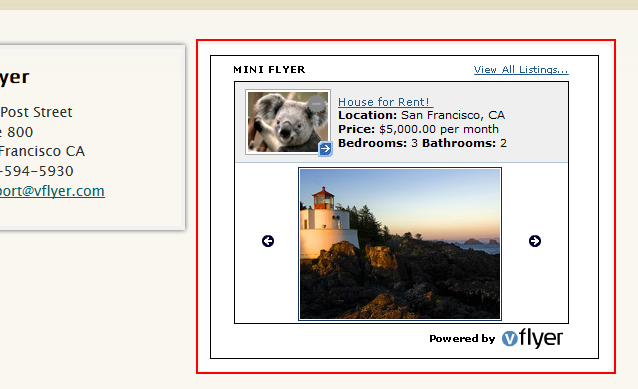
- Click Save & Add to Site to add your Flash Module.
Other Resources:
- Step-by-Step: Adding a Module
- Adding Video, Audio, and Images to your Site
- Adding Content to your Site
- Integrating External Content on your Site
0 Comments