
You can easily add a PayPal button to your website using the Freeform Editor.
- You'll first need to log into your PayPal account and create a button there. Once you've done this, copy the code for the button.
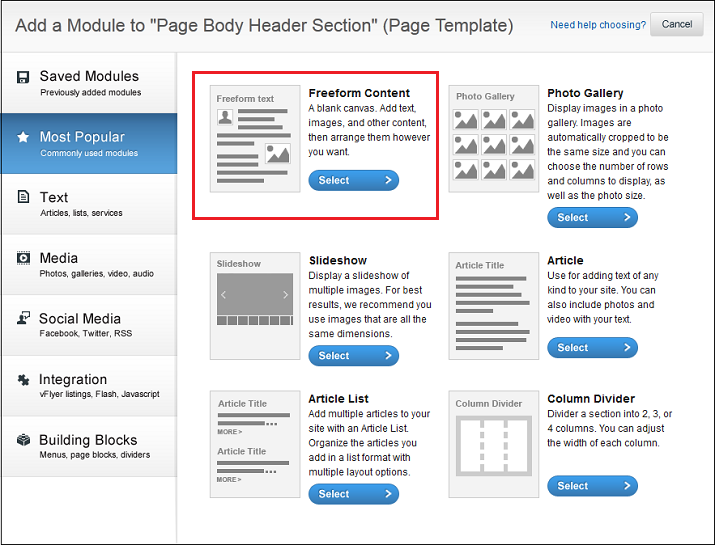
- In the Site Editor, decide where you want the PayPal button to go and add a module there.
- On the Add Module screen, click the Freeform Editor tab.
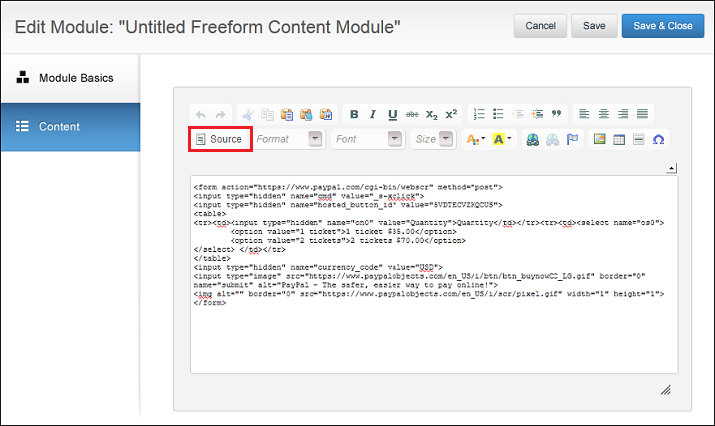
- In the Freeform Editor, click the Source button, then paste the code from PayPal into the blank field.
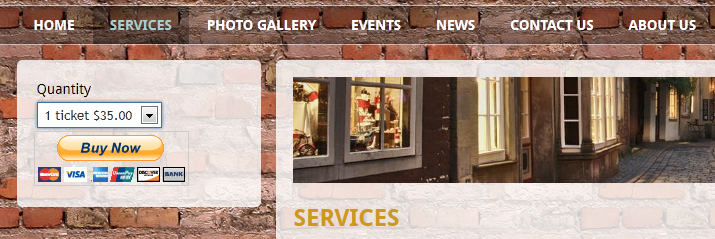
- Click Save & Close. You'll then see the PayPal button in the Site Editor.
0 Comments