
Adding a Subscribe module is the best way to gather email addresses of people that are interested in your business or products, making collecting contacts for email marketing campaigns a breeze. To get started:
- Follow the steps outlined in the Adding a Module tutorial.
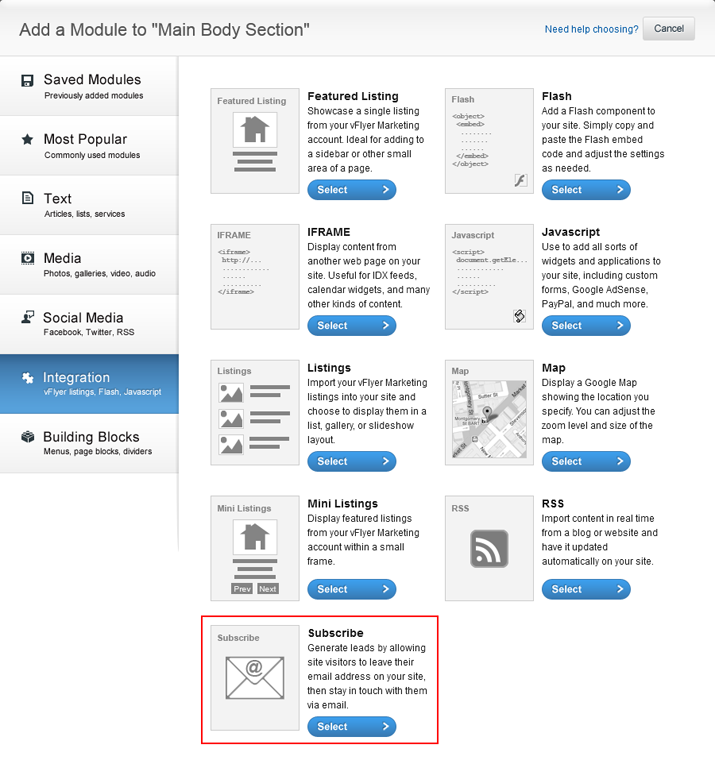
- Click the Integration tab along the left-hand side of the Add a Module screen and choose Subscribe as your module and click Next.
- On this screen, you can change the default labels. Don't forget to name your module!
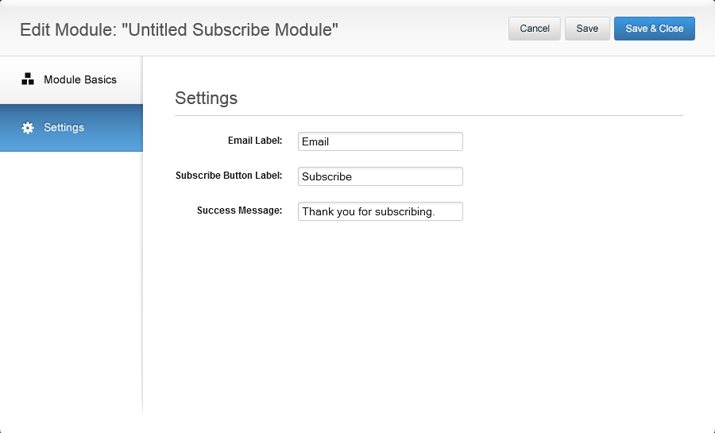
- Click Save & Close to add your Subscribe module.

0 Comments