
The default names for menu items may not always be exactly what you want. For example, if you wanted to change "Listings" to "Available Rentals":
- Mouse over the site menu and click the pencil icon in the editing toolbar.
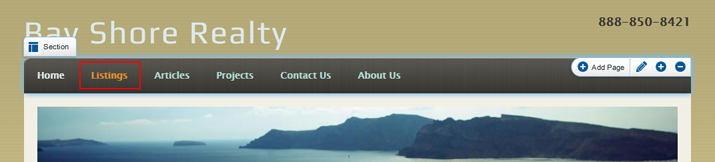
- On the Edit Module screen, click the pencil icon next to the menu item you would like to edit.
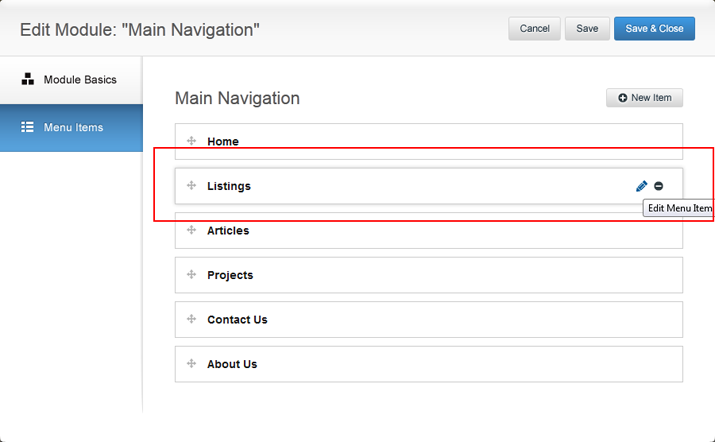
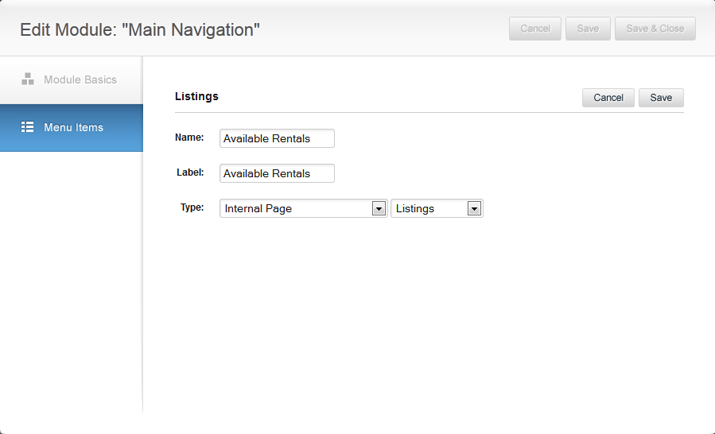
- In the Edit Menu Item screen, change the name of the page by typing the new page name in both the Name and Label field. When finished, click Save.
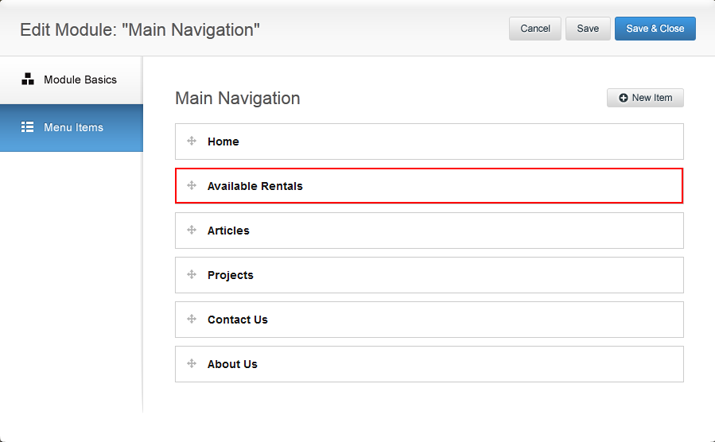
- Notice how the name of the page has changed on the Edit Module screen. When you are done editing pages, click Save & Close.
- The new page name will be reflected on your site.

0 Comments