
Adding a sitemap is like adding an outline of your website’s structure. It's also important for SEO purposes as it allows search engines to easily search your website. Many website builders create a separate page for their site maps, as they are not used very often by site visitors.
- To get started, follow these directions for adding a module.
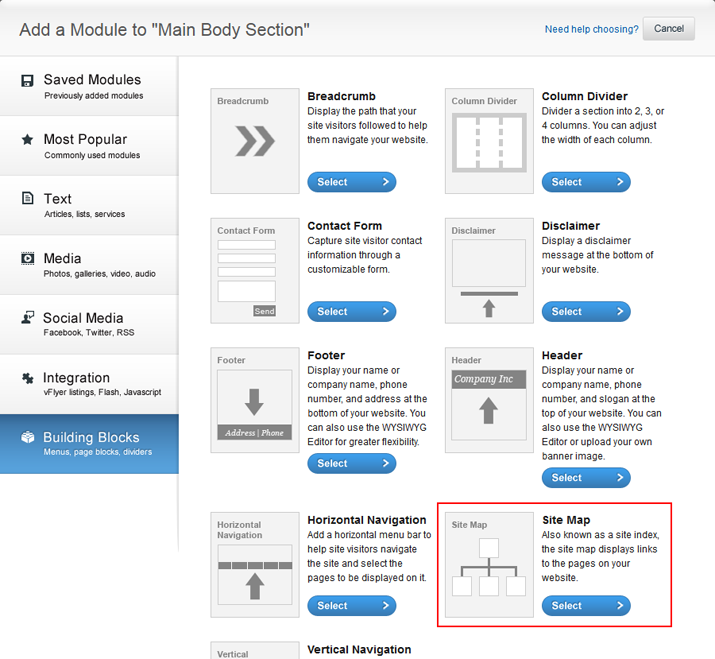
- Click the Building Blocks tab along the left-hand side of the Add a Module screen and select Site Map.
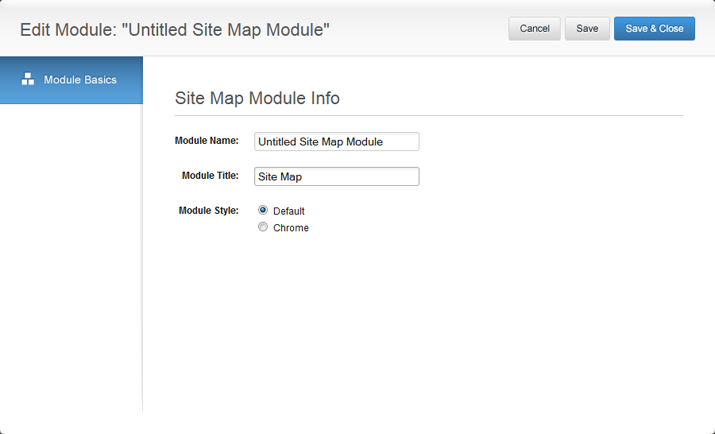
- Edit the title of your Site Map Module and don't forget to name your module! Click Save & Close when you are done.
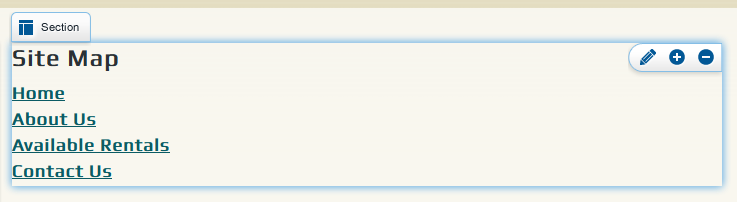
- Your site map will automatically appear. Notice how it is an outline of your site. Whenever you add a new page or sub-page, it will be added to your site map automatically. To adjust the settings of the site map, mouse over the module and click the pencil icon in the editing toolbar.
0 Comments